
Quick answer
Treat measured thread error as a traveler field first. Separate tool radius inputs from diameter inputs, then check the CAM offset definition and who applies compensation. Confirm correction direction and scope so you do not double-apply the same change. Validate the changed first part before releasing the traveler. This page owns three-field cutter compensation. It does not own a programming checklist, a feed calculator, or a full pass and spring-pass strategy.
CAM and tryout engineers often see a gauge go oversize or undersize, then change radius, diameter, and a CAM offset in the same session. The next first part still fails, or the same error appears with the opposite sign. This Knowledge page owns how to identify the measured thread error, separate tool radius and diameter inputs, check the CAM offset definition, confirm who applies compensation, review correction direction and scope, and validate the changed first part before product inquiry. Start with the thread milling guide for cluster navigation, then use the thread mill selection guide when the candidate family is still open. Geometry contrasts between single-form and multi-form tools stay on the single-form vs multi-form thread mills guide. Callout reading stays on the metric and UN thread mill callouts guide. Tool diameter versus hole clearance stays on the thread mill diameter vs hole clearance guide. Aluminum mill-versus-tap tradeoffs stay on the sibling thread milling vs tapping aluminum guide. Product geometry and inquiry live on the thread mill product page.
Jump: Identify measured error · Separate radius and diameter · CAM offset definition · Who applies · Direction and scope · First-part validation · Confirm · FAQ · Sources
Identify the measured thread error
Write the measured thread error on the traveler before you open a radius field, a diameter field, or a CAM offset:
- Gauge / instrument reading: go / no-go, pitch-diameter reading, or optical result with method named;
- Sign of the error: oversize versus undersize relative to the accepted print band (leave blank if the band is not confirmed);
- Axis of the error: pitch diameter, functional size, or form note that the plant actually uses for release;
- Evidence status: measured on this part, inherited from a prior lot, or still [NEEDS VERIFICATION].
Do not invent a compensation digit from memory when the gauge record is missing. Soft HOLD until the reading and the acceptance band are written. Public threading literacy such as this threading knowledge overview and this thread milling process overview helps name helical generation without publishing an HENTRY compensation table. Screw-thread handbook literacy such as this screw-thread handbook reference and units literacy such as this units and measurement guidance support naming systems and units honestly.
Start here: if the measured error or the acceptance band is unknown, do not change radius, diameter, or CAM offset yet. Use the live thread milling programming guide for the machine-agnostic verification checklist. Use the live thread mill speeds and feeds and blind-hole thread milling depth pages. Keep only the measured-error and compensation-field notes on this traveler for now.
Hypothetical teaching note (not a verified HC customer case): a specimen may show an oversize pitch-diameter reading while the traveler only records "tight feel." Label that gap as a Soft HOLD; do not close it by editing three compensation fields at once.
Separate tool radius and diameter inputs
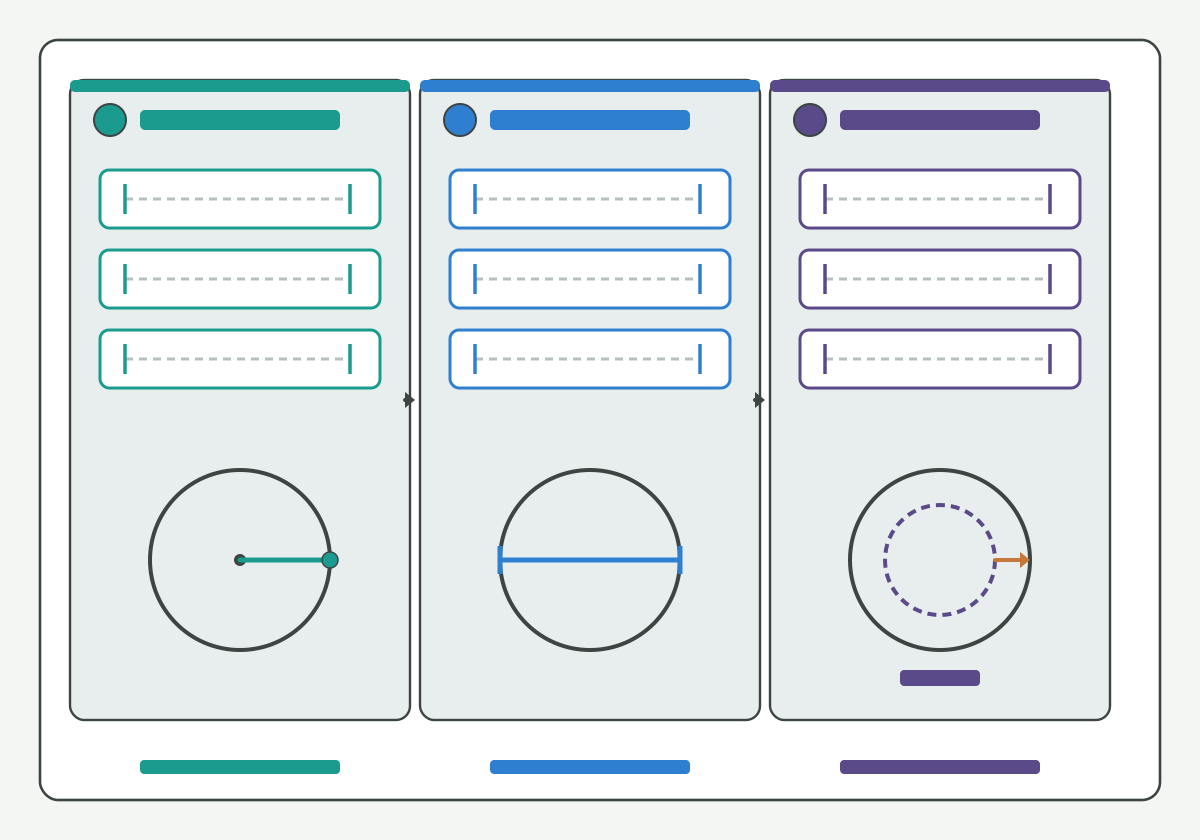
Illustration schematic: three input lanes for radius, diameter, and CAM offset with blank ticks - teaching layout only; not a catalog claim or controller screenshot.
Treat radius and diameter as two different input lanes on the same traveler:
- Tool radius input: a value that the control or CAM treats as a radial offset (often half of a measured or programmed diameter); leave blank if your post never consumes a radius field;
- Tool diameter input: a value that the control or CAM treats as a full diameter; do not paste a radius into a diameter field or the reverse;
- Measured tool size (optional third note): presetter or inspection reading used to populate either field; name the method when you have it.
Radius and diameter are not interchangeable paste targets. Halving or doubling without naming which field the post consumes is a double-apply risk. Tool diameter versus hole clearance geometry stays on the thread mill diameter vs hole clearance guide; this page only separates the compensation fields that change size after the geometry candidate is already chosen.
Milling process literacy such as this milling process overview and tapping literacy such as this tapping knowledge overview are contrast aids: a tap wear story does not replace thread-mill field separation. Toolholding literacy such as this tool-holder interface overview and this toolholding tips overview helps name projection stacks that still move size even when the wrong field is edited.
Hypothetical teaching note (not a verified HC customer case): a shop may enter a measured diameter into a radius wear register. Label that mix as a field-definition Soft HOLD; do not treat the resulting first-part miss as proof that the tool family is wrong.
Check the CAM offset definition
After radius and diameter lanes are named, write how the CAM (or post) defines the offset you are about to change:
- Stock / leave / radial stock: material left for a later pass or for finishing;
- Cutter compensation / wear / geometry offset: a control or CAM register that shifts the path relative to programmed geometry;
- Centre-path or toolpath diameter: a programmed orbit size that already embeds tool size in some posts;
- Unknown / mixed: mark [NEEDS VERIFICATION] when the post documentation and the screen labels disagree.
Do not assert unconfirmed G-code numbers as universal shop truth. Soft HOLD when the offset name on the screen does not match the post manual. Use the live thread milling feed calculator for auditable conversion fields; Soft note (guide forthcoming, no empty hard link): a CAM-specific setup page will sit on a dedicated Knowledge URL when published. This page only asks whether the offset you are editing is the same physical lever as the radius or diameter lane.
Thread-milling product literacy such as this thread milling resource overview, this thread milling cutter overview, and this thread milling article overview helps name family language without migrating brand compensation tables. Tool-family literacy such as this threading tools overview and this thread milling tools overview stays a neutral discovery aid. Machining data literacy such as this machining data literacy portal supports naming method language without inventing an HENTRY wear table.
Confirm who applies compensation
Name the actor who applies the change before you edit more than one field:
- Machine / control: wear or geometry registers applied at the control;
- CAM / post: stock, leave, or cutter-comp values baked into the posted path;
- Operator / tryout: on-machine edits that may or may not sync back to the CAM master;
- Shared / unclear: Soft HOLD until the plant names a single owner for the first-part change.
If two actors can both apply a radial change to the same cut, treat that as a double-apply risk even when each edit looks small. Continue on the live thread milling programming guide for verification checklists. Soft note (guides forthcoming, no empty hard links): a pass / spring-pass strategy page will sit on a dedicated Knowledge URL when published; keep who-applies ownership on this traveler for now.
Geometry-inspection literacy such as this tool geometry inspection equipment overview helps name how shops confirm tool size before blaming the wrong actor. Coolant path literacy such as this coolant concentration measurement method supports fluid-control language when size drift is process-driven rather than compensation-driven, without inventing an HENTRY pressure guarantee.
Review correction direction and scope
After who-applies is named, write direction and scope on the same line as the measured error:
- Direction: which way the chosen field must move to shrink an oversize thread or open an undersize thread (leave blank if the plant has not confirmed the sign convention for that field);
- Scope: one field only on the first correction, unless a documented procedure already requires a paired update;
- Double-apply ban: do not change radius and CAM offset together when both move the same radial lever;
- Out of scope here: full pass count / spring-pass strategy and full oversize-undersize diagnosis sequences belong on other Knowledge pages when published.
Conditional correction worksheet (fill with confirmed plant values; leave blank if unknown):
| Field | What you write | If missing |
|---|---|---|
| Measured error + sign | Gauge / optical result vs print band | Stop; Soft HOLD |
| Radius input | Value and unit the post consumes as radius | Do not paste a diameter |
| Diameter input | Value and unit the post consumes as diameter | Do not paste a radius |
| CAM offset definition | Stock / wear / path / unknown | Mark [NEEDS VERIFICATION] |
| Who applies | Control / CAM / operator / shared | Do not edit two actors |
| Direction | Signed change for the chosen field | Do not guess the sign |
| Scope | Single field or documented pair | Default to one field |
| First-part result | Accept / reject / hold with method | Do not release the traveler |
Standards and metrology literacy such as this codes and standards portal, this national standards overview, this public metrology laboratory entry, and this international metrology portal support naming systems and units without publishing an HENTRY compensation matrix. Machining research literacy such as this peer-reviewed machining research journal overview and this machining process and tool development research overview keep method language tied to public sources rather than to invented shop ratios. Substrate blank literacy such as this carbide rod blank portfolio overview and regrind literacy such as this regrind inspection and economic review overview support tool-body talk without life percentages. Threading article literacy such as this threading article overview and product-family literacy such as this threading product overview stay discovery only; do not migrate brand parameters into an HENTRY proposal.
Hypothetical teaching note (not a verified HC customer case): a specimen may need a smaller radial engagement to correct oversize pitch diameter. If the shop edits both a radius wear register and a CAM stock leave in the same tryout, label the stacked change as a double-apply Soft HOLD before blaming the tool.
Validate the changed first part
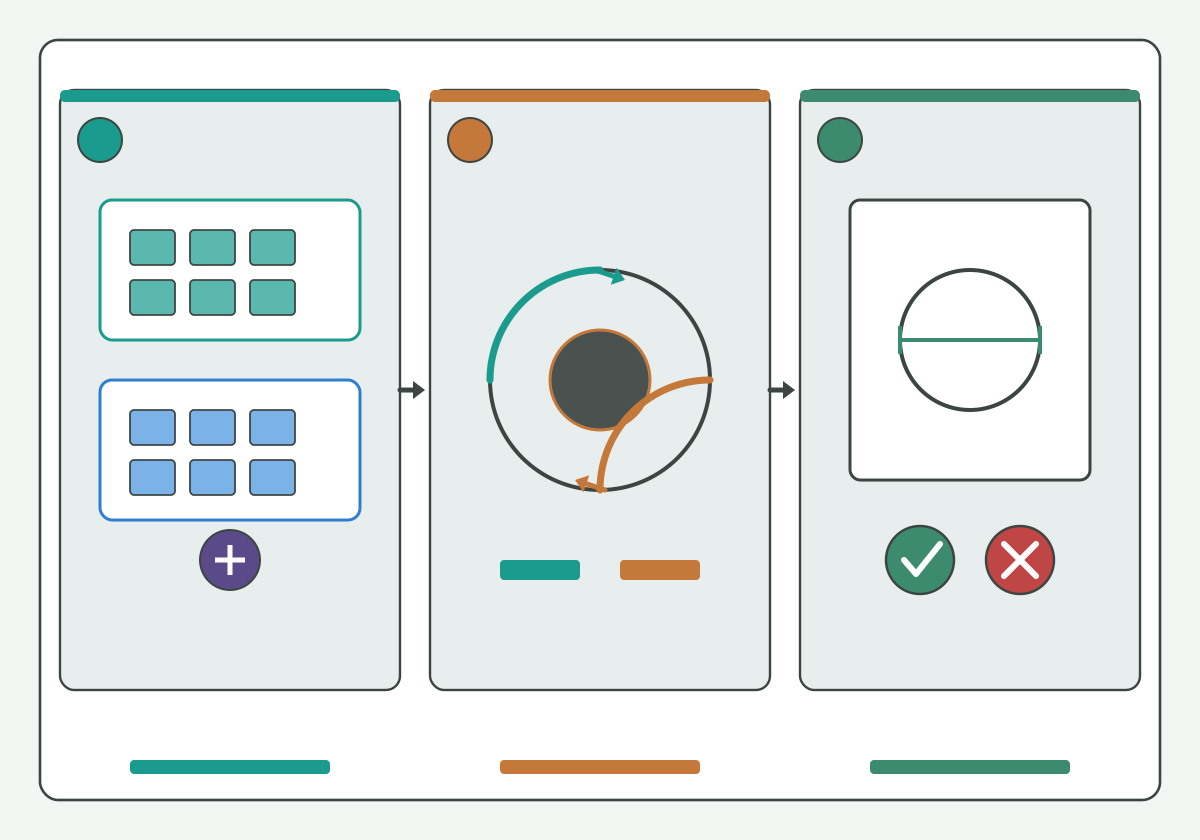
Illustration schematic: who applies compensation, direction arcs, then first-part clear or collide check - unique gain for compensation tryout; not a ranked catalog or life claim.
Close the compensation change only after an explicit first-part accept / reject / hold:
- Accept: measured error, chosen field, who-applies, and direction were written before the cut; the first-part gauge or optical result meets the print band with method named;
- Reject: two fields were edited without a documented pair, sign convention was guessed, or the first part still fails with the opposite sign;
- Hold: any critical field still [NEEDS VERIFICATION] (offset definition, actor ownership, acceptance band).
Procurement checklist fields may stay blank; blank is better than invented digits. After first-part validation, continue on the live thread milling programming guide. Hard-link live: thread milling feed calculator · thread mill speeds and feeds · thread milling programming guide · blind-hole thread milling depth. Soft note (guides forthcoming, no empty hard links): pass / spring-pass strategy, CAM-specific setup, and size-error diagnosis Knowledge pages will sit on dedicated URLs when published. When the first-part decision passes on paper and on the part, move to product review instead of another remembered compensation paste.
How HENTRY supports the compensation decision
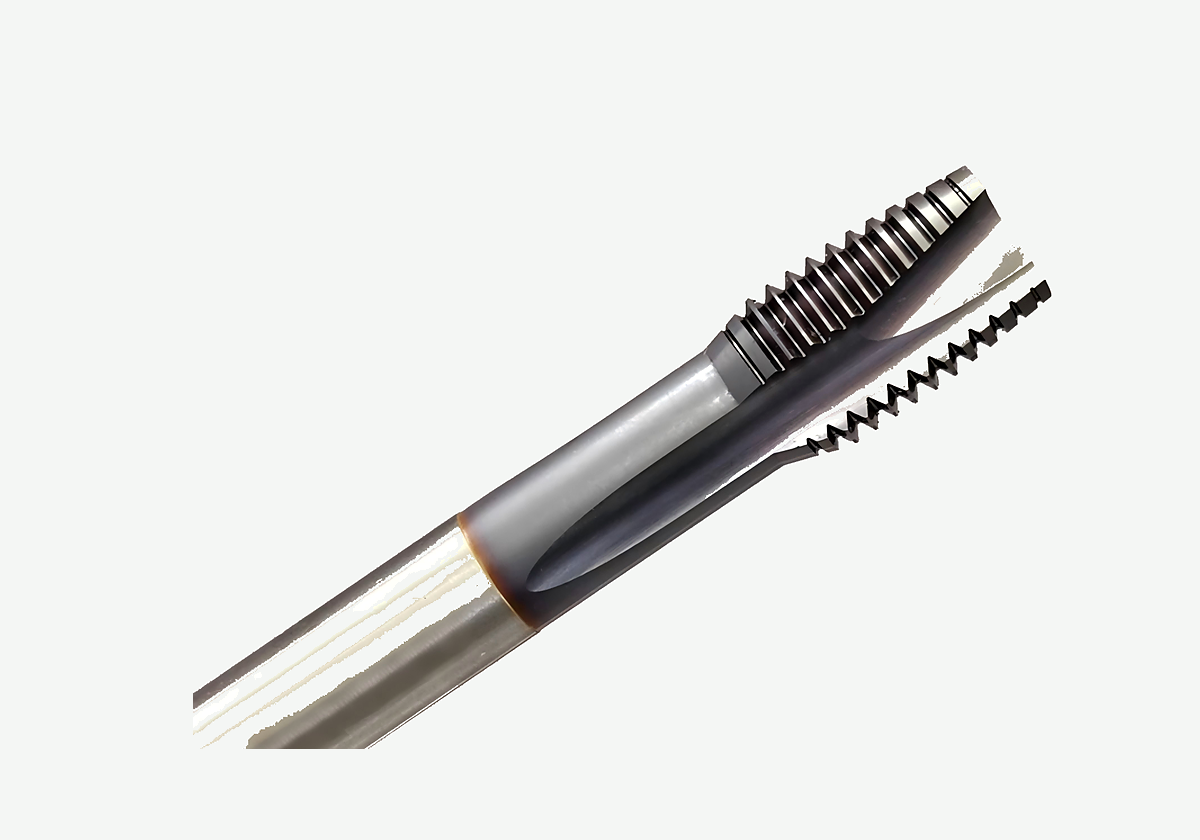
Product rematte of tip, flutes, and shank on a thread-mill body - not a ranked catalog, compensation table, or life claim.
HENTRY manufactures drawing-based cutting tools, including solid carbide thread mills. When measured error, radius versus diameter inputs, CAM offset definition, who-applies ownership, direction, and first-part validation are written - even with blank Soft HOLD fields - you can move from this Knowledge slice to a product review instead of another stacked compensation edit. Public threading-resource literacy such as this threading resources hub remains a discovery aid only; do not migrate brand parameters into an HENTRY proposal.
Next action: Review the matched tool and validation inputs. When the controlled drawing and traveler fields are ready to send, open the custom cutting tool RFQ. Quotation turnaround after complete drawings is typically 1-2 working days for engineering review, not a promise of unvalidated cutting data.
Thread mill cutter compensation FAQ
What is the difference between radius and diameter inputs?
A radius input is consumed as a radial offset. A diameter input is consumed as a full diameter. They are not interchangeable paste targets. Name which field your post or control actually reads before you change either value, and do not halve or double a number without naming the destination field.
Who should change compensation on the first correction?
Name a single owner first: control register, CAM or post value, or operator edit. If two actors can both apply a radial change to the same cut, treat that as a double-apply risk. Soft HOLD when ownership is shared or unclear.
Why validate the first part after a compensation change?
Program edits are not proof of thread size. Record a gauge or optical result with method named after the changed first part. If the sign of the error reverses or the band is still missed, reject or hold instead of stacking another field change.
When should I use a feed calculator, pass strategy, or size-error diagnosis page instead?
Use this page for three-field compensation definition, who applies, direction, and first-part validation. Soft note only for now: a feed calculator, a pass or spring-pass strategy, and a size-error diagnosis sequence will sit on dedicated Knowledge URLs when published. Do not empty-link those topics here.
Can I change radius and CAM offset at the same time?
Not on the default first correction. Changing two levers that both move radial size stacks the same physical correction. Default to one documented field unless a plant procedure already requires a paired update, then re-measure the first part before further edits.
Sources and related guides
Authoritative literacy (neutral anchors; discovery only; not HENTRY catalog limits or life claims). Link check Asia/Shanghai 2026-10-31:
- threading knowledge overview
- thread milling process overview
- milling process overview
- tapping knowledge overview
- thread milling resource overview
- thread milling cutter overview
- threading resources hub
- thread milling article overview
- threading article overview
- threading tools overview
- thread milling tools overview
- threading product overview
- tool-holder interface overview
- toolholding tips overview
- coolant concentration measurement method
- tool geometry inspection equipment overview
- screw-thread handbook reference
- units and measurement guidance
- codes and standards portal
- national standards overview
- public metrology laboratory entry
- international metrology portal
- peer-reviewed machining research journal overview
- machining process and tool development research overview
- machining data literacy portal
- regrind inspection and economic review overview
- carbide rod blank portfolio overview
Related live pages: thread milling guide · thread mill selection guide · single-form vs multi-form thread mills · metric and UN thread mill callouts · thread mill diameter vs hole clearance · thread milling vs tapping aluminum · thread mill product page. Related also: thread milling programming guide. Also see live thread mill speeds and feeds, blind-hole thread milling depth, and thread milling feed calculator. Soft note only (no empty hard links): pass / spring-pass strategy, CAM-specific setup, and size-error diagnosis Knowledge pages are forthcoming.
When the compensation decision and traveler fields are ready, Review the matched tool and validation inputs.