
Product Detail
Grooving and Parting Tools for CNC Turning
Share the groove location, dimensions, and workpiece material to review grooving or parting tool options and access limits.
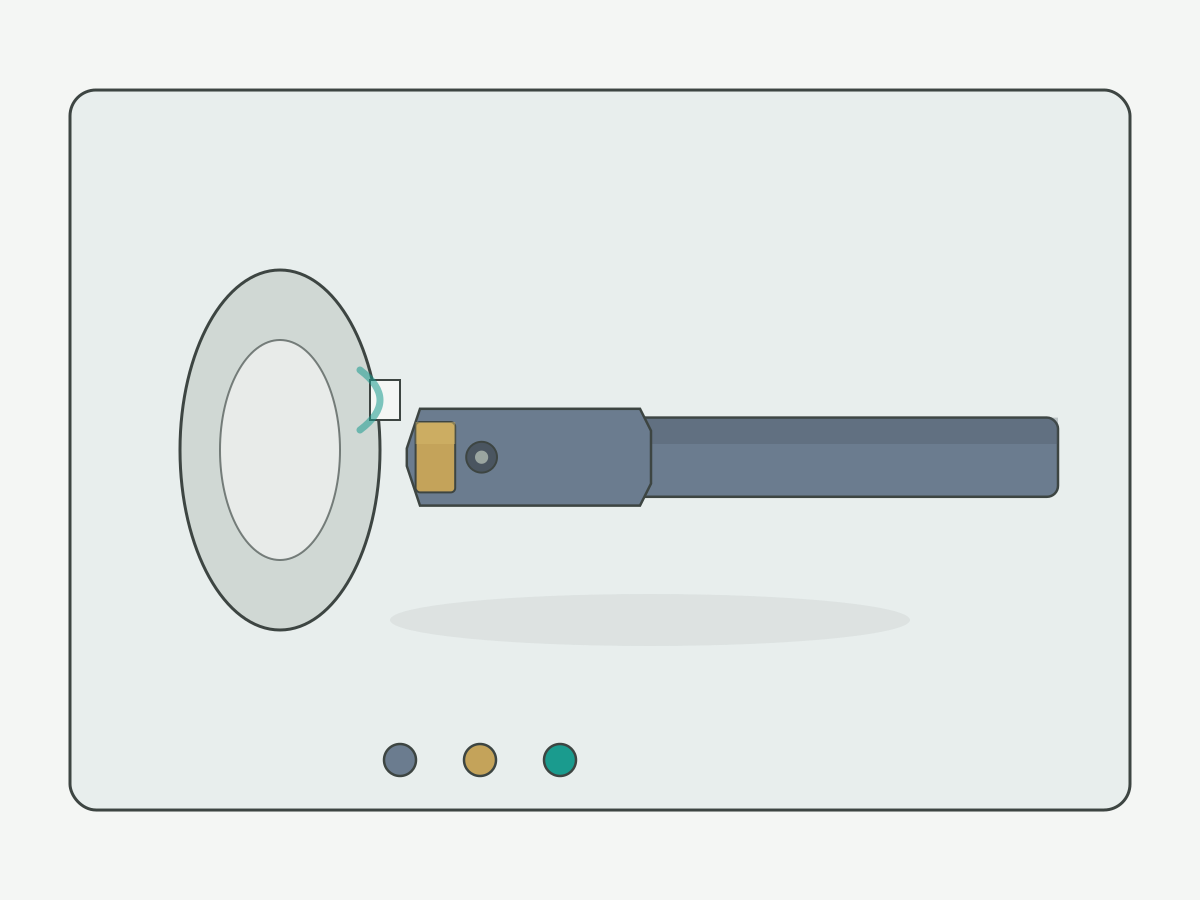
Grooving & parting · CNC turning
Grooving and Parting Tools for CNC Turning
Share the groove location, dimensions, and workpiece material to review grooving or parting tool options and access limits.
- Map OD, ID, and face grooves before choosing blade or insert width
- Treat parting as a separate duty from shallow grooving
- Send groove location, width, depth, and reach for access review
Start from groove location: external, internal, or face
Selection starts with where the groove sits on the workpiece. Cards below separate OD, ID, and face grooves so names and photos stay aligned. General OD/ID/face turning belongs on the turning tools hub.
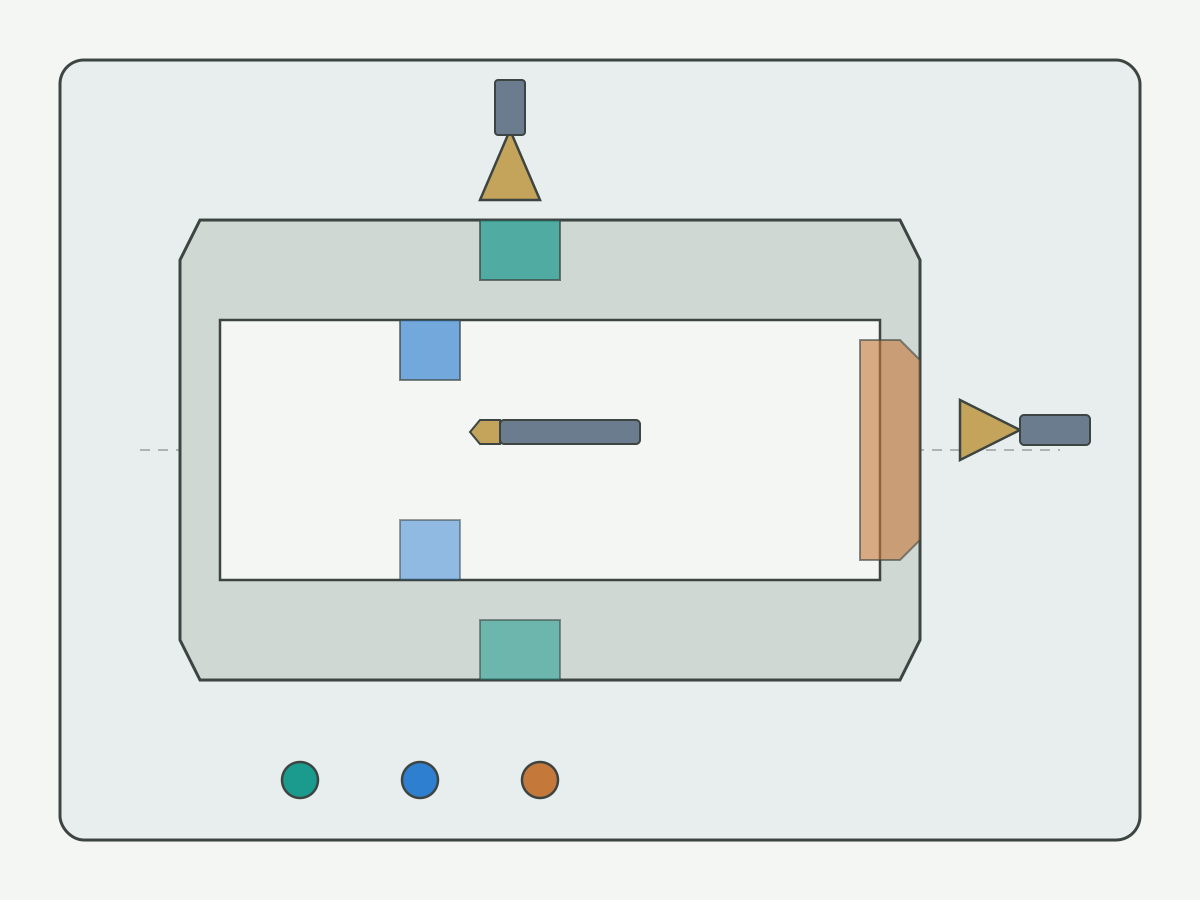
- External (OD) groove Radial groove on the outer diameter. Confirm width, depth, corner radius, and approach clearance.
- Internal (ID) groove Groove inside a bore. Min bore, overhang, and chip exit dominate — do not size from insert width alone.
- Face groove Groove on the end face. Confirm tool orientation, travel limits, and face reach.
- Parting / cutoff Separate duty from shallow grooving — see the next section.
Grooving vs parting
Parting is not a deeper groove by another name. Collect diameter, remaining core or finished-face requirement, and stability inputs before treating a grooving blade as a parting system.
Shallow to mid-depth grooves
OD, ID, or face grooves where the cut stops at a defined depth. Width and corner radius must match the print — not a “close enough” insert.
Cutoff / parting-off
Needs workpiece diameter, remaining core or finished face, blade height, and machine stability. Do not infer parting capacity from groove depth alone.
Drawing review
If the print mixes groove and cutoff features, mark both and send for engineering review. Quotation after complete drawing info typically takes 1–2 working days.
Groove width, depth, and holder
List groove width, depth, and corner radius separately from insert or blade size. Internal min-bore values come from actual series data — blank cells mean to your drawing / engineering confirm.
What to decide here vs later
Here: groove location, width/depth match, and whether parting is in scope.
Later (engineering): exact series, min bore, max overhang, and insert pocket compatibility.
General carbide insert decoding stays on cutting inserts and the turning insert selection guide.
Chip evacuation, overhang, and material
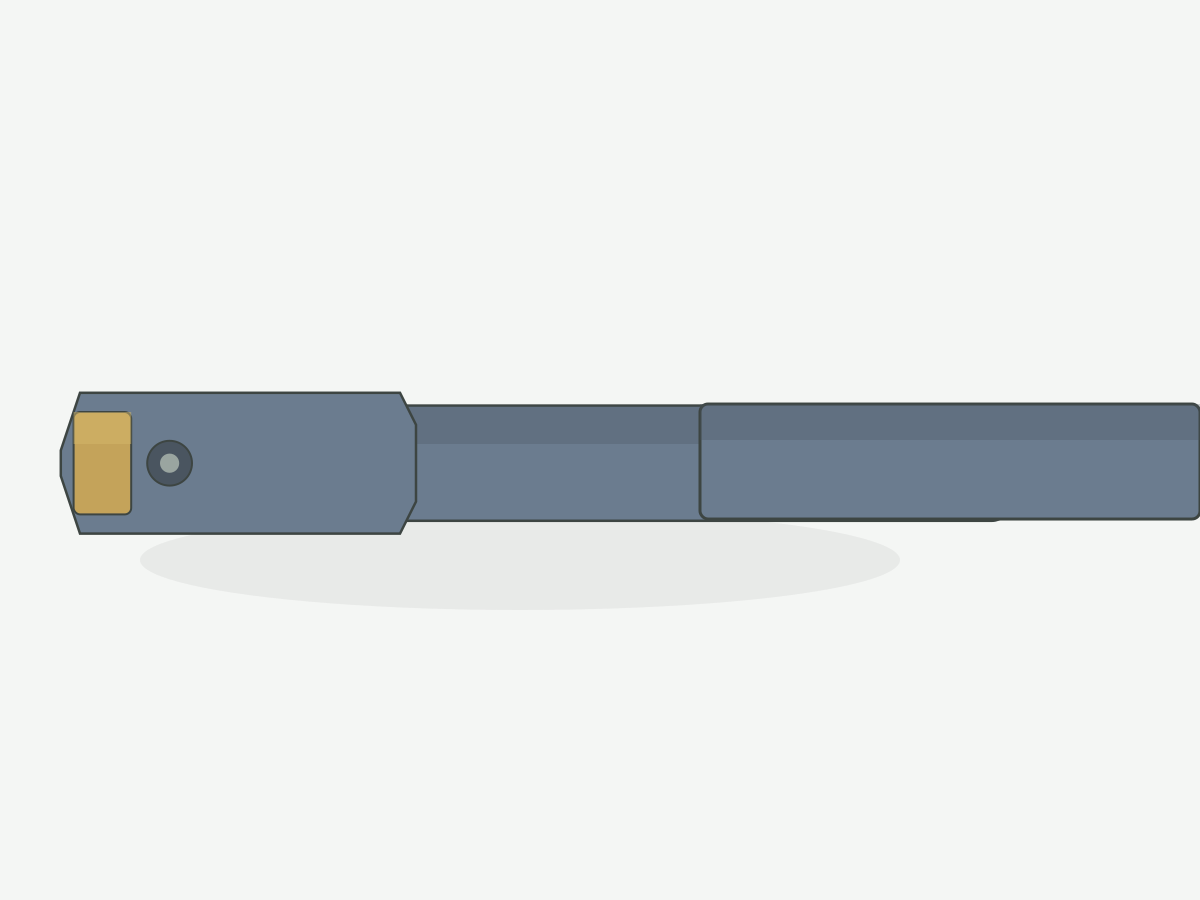
Treat overhang, clamping, interrupted cut, and chip space as review conditions. Do not claim one insert suits every material.
| Input | Why it matters | If unknown |
|---|---|---|
| Overhang / reach | Controls chatter and size repeatability on ID grooves | State max reach needed from print · to your drawing |
| Chip space / evacuation | Narrow grooves pack chips; coolant and feed strategy matter | Note coolant type and entry/exit on RFQ |
| Material & duty | Continuous vs interrupted; sticky vs abrasive chips | Alloy / condition + duty description |
| Clamping / workpiece support | Parting and deep grooves need stable support assumptions | Describe chuck / fixture and unsupported length |
Specs and drawing RFQ
Upload a groove section when possible and mark key dimensions. Engineering confirms reach and interference before locking a series. Unconfirmed stock codes are not listed as standard range.
- Known series + groove print: send both for cross-check and supply confirmation.
- Only a workpiece print: send material, groove location, width, depth, and machine interface for preliminary selection.
- Quotation timing: after complete drawing information, quotation typically takes 1–2 working days (quotation only — not production lead time).
Selection guide
One row per task. Empty numeric cells mean confirm from drawing, not zero. Standard, custom, and engineering-review items stay separate.
| Groove type | Width mm | Depth mm | Min bore mm | Shank / blade | Overhang mm | Next |
|---|---|---|---|---|---|---|
| External groove | to your drawing | to your drawing | — | Engineering confirm | to your drawing | RFQ |
| Internal groove | to your drawing | to your drawing | to your drawing / series data | Engineering confirm | to your drawing | RFQ |
| Face groove | to your drawing | to your drawing | — | Engineering confirm | Face reach · to your drawing | RFQ |
| Parting / cutoff | Blade width · to your drawing | To center / remaining core | — | Blade height · confirm | Stability review | RFQ |
Blank cells are intentional. Unconfirmed series dimensions are not shown as “standard range.”
Grooving & parting FAQ
Answers state decision conditions and next steps. They do not replace application approval.
How do I confirm the minimum bore for an internal groove?
Send the finished bore diameter, groove depth from the bore wall, insert or blade width, and available overhang. Min-bore values are series-specific — blank cells on this page mean confirm from drawing / engineering data, not a published universal limit.
Can a grooving tool be used for parting?
Not automatically. Parting needs workpiece diameter, remaining core or finished face requirement, and stability assumptions. Shallow OD grooves and full cutoff are separate duties — do not treat groove depth alone as parting capacity.
Which groove drawing dimensions should I send?
Location (OD / ID / face), groove width, depth, corner radius if specified, reach or overhang, material, and machine interface if known. Mark interference risks on the print when possible.
Why is there no public stock list or price?
HENTRY quotes from application data and approved supply scope. Unconfirmed catalog rows are not published as standard range. Quotation typically follows within 1–2 working days after complete groove drawing information.
Send a Groove Drawing
Page N003 · Product Grooving and Parting Tools for CNC Turning. Required: email, product or task, requirement description. Optional: drawing upload, company, material, sizes, machine, quantity. “Model uncertain” is allowed.
Footer / legal entity: Guangdong Hentry Tool Technology Co., Ltd Brand on page: HENTRY.