
Search results for center drill chart, center drill size chart, and #3 center drill dimensions often mix manufacturer tables, spot-drill catalogs, and lathe-center notes on one screen. Process engineers then open several tabs and still lack a single place to name the numbering system, read body and tip callouts, separate a center hole from a spot-drill start, and decide when angle and support drive the next RFQ.
HENTRY publishes this guide as a center-drill numbering and selection hub. You walk how numbered sizes map to body and tip fields, then the main dimension callouts, then a one-line center-hole versus spot-drill entry, then angle and between-centers support use, then a lookup path that ends at a live product page or a tooling review. The page does not host a full spot-versus-center encyclopedia, a general drill-bit size dump, or an invented HENTRY-measured millimeter chart posed as shop data. Deep role comparison belongs on the spot-versus-center resource; buy-select geometry belongs on the carbide spot and center drill product page; here you finish number and dimension checks before you request a review.
Numbering jumps to center-drill number systems. Dimensions opens the main callouts and placeholder chart. Lookup & selection opens the selection boundary and RFQ fields.
Center drills are numbered tools for making center holes that locate lathe centers or support work between centers. A size chart maps body diameter, tip diameter, and overall length to that number only when the source standard and units are stated. Spot drills locate a subsequent drill; they are not the same job as a 60° center hole. Match number, angle, and support need first, then open the spot/center product page or RFQ HENTRY with the drawing callouts.
Center Drill Numbering Systems
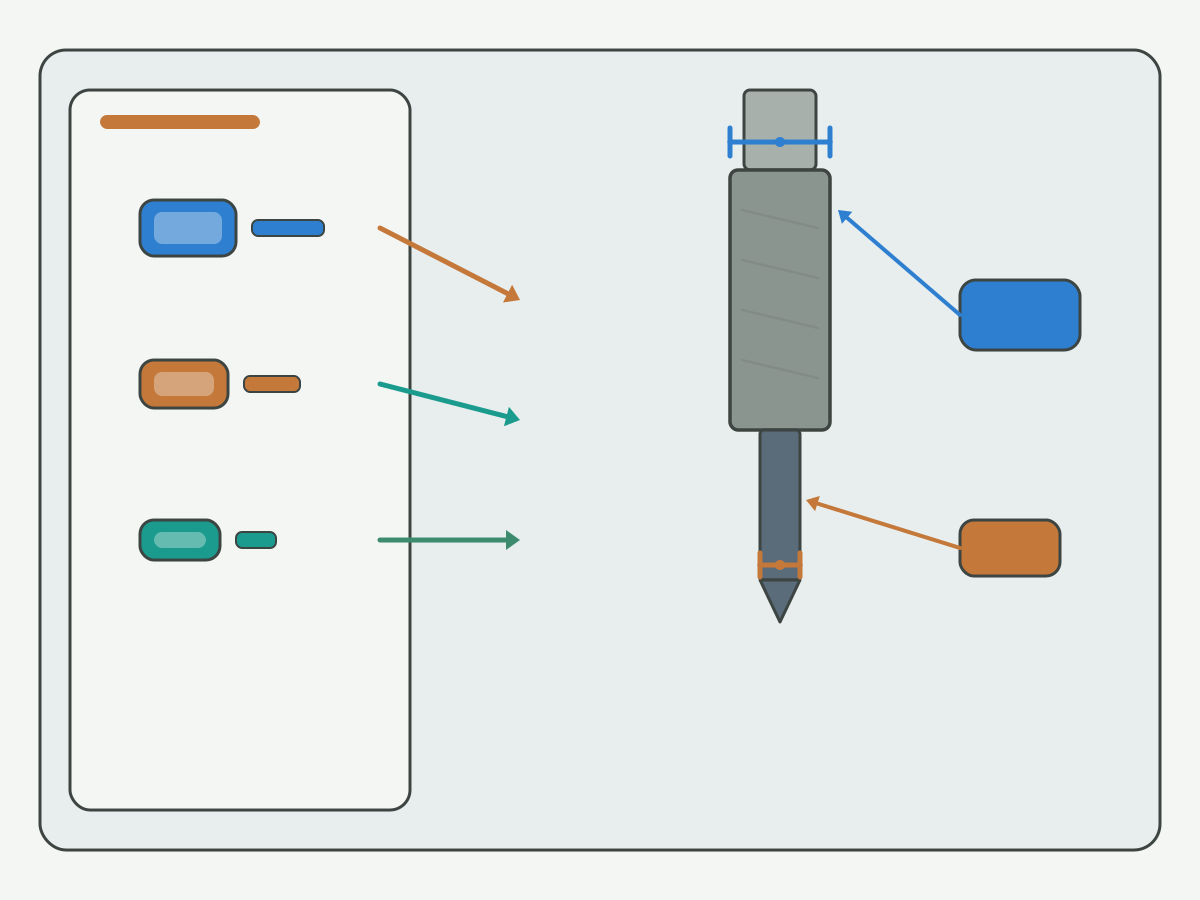
Use the numbering checklist below as a shop-dependent routing aid, not as a guarantee that every maker shares identical body and tip values for the same number. Read the series name, the unit column, and the source label before you copy a cell. Confirm open cells with engineering when the print, material, or support step is still unclear.
| Token type | What it mainly names | What to read next | Common mix-up | Leave blank if unknown |
|---|---|---|---|---|
| Numbered series (#00-#8 style) | Industry center-drill size token | Body Ø, tip Ø, OAL, angle from the named chart | Treating the number as a millimeter hole size | Yes; confirm series and source |
| Metric center-drill reading | Millimeter body or tip on a metric maker chart | Whether the print uses mm body, mm tip, or both | Pasting a metric row into an imperial number field | Yes; confirm drawing units |
| Combined catalog row | Number plus inch or mm columns on one line | Unit headers beside every diameter column | Ignoring the unit header and copying the wrong column | Yes |
Common combined center-drill series use numbers such as #00 through #8. The number is a series token. It is not automatically a finished center-hole diameter in millimeters, and it is not proof that every manufacturer publishes the same body and tip for that token. When a search phrase highlights #3 center drill dimensions, treat #3 as an example token: recover body diameter, tip diameter, overall length, and included angle from the named DIN, ASME, or manufacturer chart for your plant, then write those fields on the traveler.
Imperial numbered series and metric maker charts often sit side by side in the same binder. Lock the system first: numbered series versus metric reading. Then lock the unit column. Then copy body and tip. A frequent traveler error is to treat the number as an aperture size, or to treat tip diameter as body diameter. Another error is to order from a bare token such as #2 with no source chart name attached. Send the series name and source label back with purchasing before the wrong blank lands on the machine.
Shop catalogs still need engineering confirm when drawings mix units, when a later drill must share the same entry, or when the support angle on the print does not match the tool angle on the chart. Keep those notes beside the checklist rather than treating one catalog photo as a locked process sheet.
Main Dimensions Figure
Body diameter, tip or pilot diameter, overall length, and the point or included-angle callout decide whether a row matches the print. Use the figure and placeholder table as a field list. Fill numeric cells only from an industry-standard or manufacturer chart you can name on the traveler.
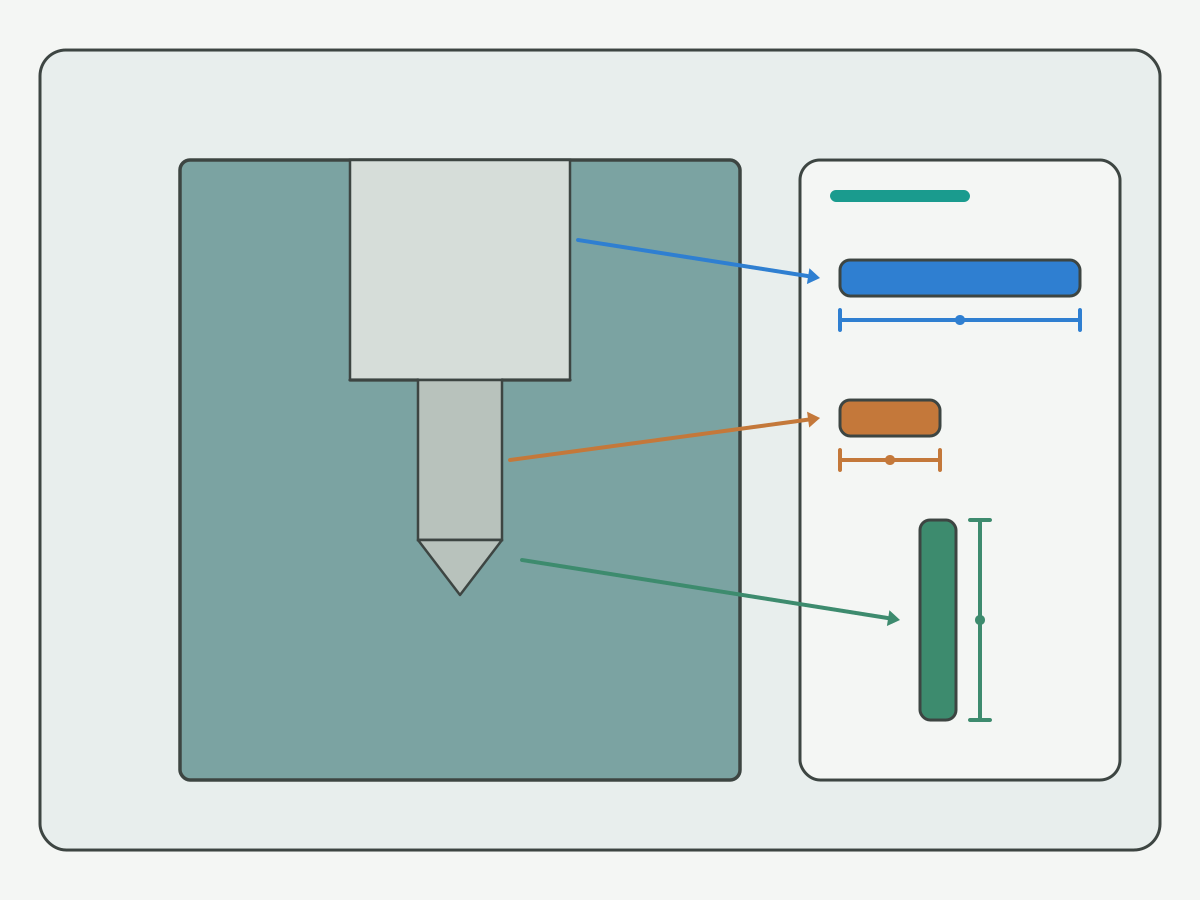
Units and standard sit beside the chart. On phones, scroll the table horizontally. Rows below are industry-standard / manufacturer chart placeholders - not HENTRY-measured guarantees. Confirm every numeric cell against DIN, ASME, or the maker table named on your traveler before you order.
| Size no. | Body Ø | Tip Ø | OAL | Source note |
|---|---|---|---|---|
| #00 (example token) | per source chart | per source chart | per source chart | Confirm against DIN/ASME/manufacturer chart |
| #0 (example token) | per source chart | per source chart | per source chart | Confirm against DIN/ASME/manufacturer chart |
| #1 (example token) | per source chart | per source chart | per source chart | Confirm against DIN/ASME/manufacturer chart |
| #2 (example token) | per source chart | per source chart | per source chart | Confirm against DIN/ASME/manufacturer chart |
| #3 (example token) | per source chart | per source chart | per source chart | Confirm against DIN/ASME/manufacturer chart; frequent search example only |
| #4 (example token) | per source chart | per source chart | per source chart | Confirm against DIN/ASME/manufacturer chart |
| #5 (example token) | per source chart | per source chart | per source chart | Confirm against DIN/ASME/manufacturer chart |
| Metric row (example) | see manufacturer table | see manufacturer table | see manufacturer table | Write mm units on traveler; do not mix with bare # tokens |
Body diameter is the larger cylindrical portion that often sets how the tool clears the holder and how the larger cone of a center hole is formed. Tip or pilot diameter is the smaller start that begins the center hole. Overall length and flute or body length notes affect stick-out and how deep the form can go before the shoulder interferes. The included angle callout - often 60° on common between-centers work - belongs beside those diameters, not as an afterthought on the RFQ.
This page intentionally leaves numeric diameter and length cells as source placeholders. Inventing a complete #→mm matrix without a named standard would pose unverified values as HENTRY shop data. Keep your approved binder or maker PDF next to the machine, copy the row you need, and write the source name on the traveler. If two makers disagree on a token, stop and confirm with engineering rather than averaging the cells.
Angle callouts on the figure are structural labels for body, tip, length, and cone - not a stack of unverified millimeter guarantees. When the print calls for a protected center or a non-60° form, keep Form detail and deep angle pairing on the spot-versus-center resource rather than expanding that encyclopedia here.
Center Hole vs Spot Drill
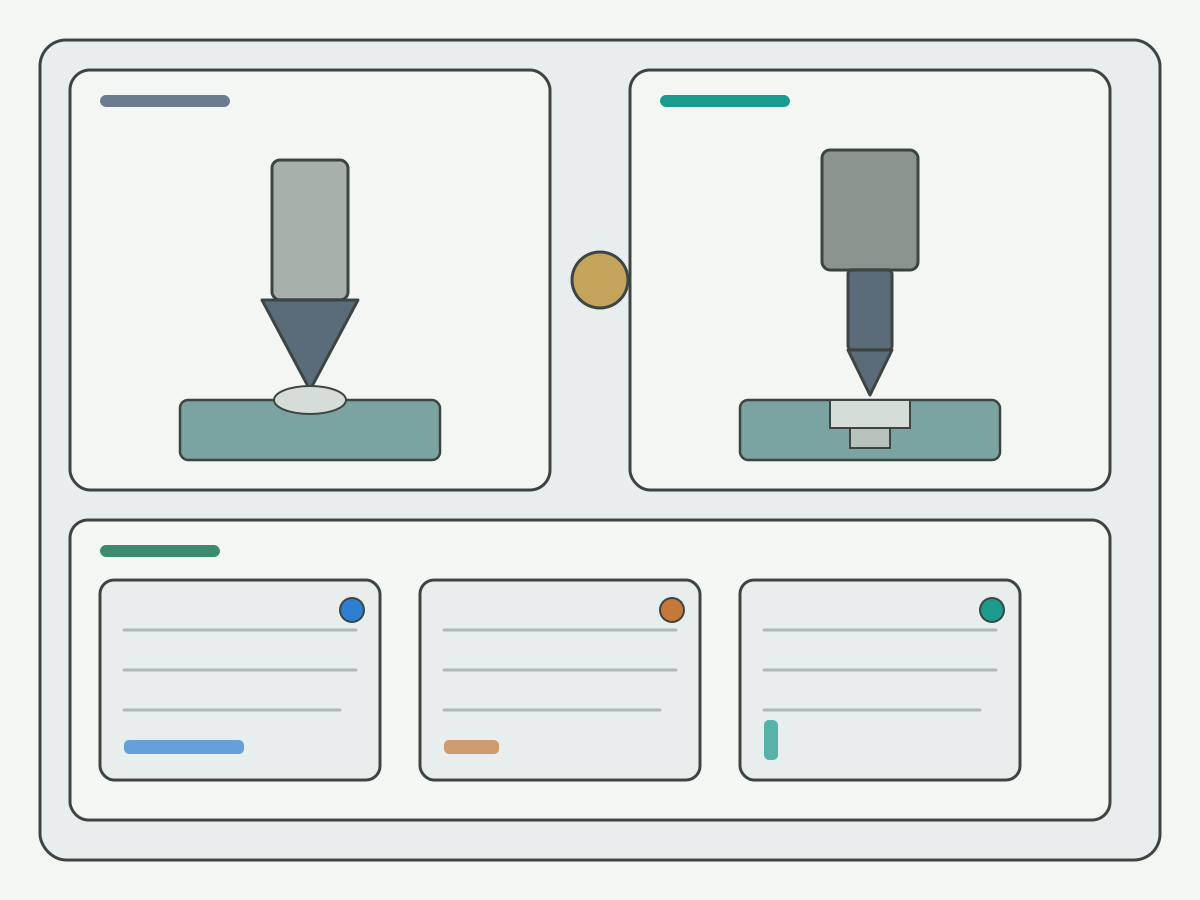
A center hole is formed so a lathe center or between-centers support can locate the workpiece. A spot drill mainly locates and starts a subsequent drill. Those jobs can share an entry on some travelers, but they are not the same selection problem and they do not share one automatic tool choice.
| Job | Primary purpose | What to lock first | Where deep detail lives |
|---|---|---|---|
| Center hole | Locate / support on lathe centers or between centers | Number or size token, body/tip, included angle | This hub for number and dimensions; support notes in the angle section |
| Spot drill start | Locate a following drill | Spot angle vs following drill point, tip form | Spot-versus-center deep compare resource |
Use this hub when the open question is which center-drill number or which body and tip fields match the print. When the open question is how spot angle should relate to a following carbide drill point, or how Form language on the print maps to tool geometry, open the live spot drill vs center drill guide once and keep that deep compare off this page. Do not treat a center-drill number chart as a substitute for spot-angle pairing rules.
If purchasing only receives the word “center” with no hole type, angle, or number, send the distinction back before the quote leaves. A spot-only traveler and a between-centers traveler fail for different reasons even when both start with a pointed tool.
Angle & Support Use
A common 60° center hole supports lathe-center location and between-centers work when the print calls for that included angle. The angle is a drawing and support decision, not a marketing claim that one number or one angle fits every entry.
| Use case | What usually drives the choice | Shop-dependent note |
|---|---|---|
| Between-centers support | Print calls for a center hole that matches the lathe center angle | Confirm angle and depth with the support hardware on the machine |
| Lathe-center location | Reliable seating of the center in the formed cone | Protected or special forms need print language, not a chart guess |
| Spot for a following drill | Location and start for the next drill, not necessarily a support cone | Prefer a spot drill path; compare roles on the spot-versus-center page |
| Self-centering carbide drill start | Some solid carbide drills can start without a separate center or spot | Confirm with engineering; do not assume every series self-centers |
When do you need a center drill versus a spot drill versus a self-centering carbide drill? Start from the print: support cone required, or only a locate start for the next drill. If the print needs a support cone, stay on center-drill numbering and angle. If the print only needs a locate start, the spot path usually owns the pairing rules. If a solid carbide series is specified to start without a pilot, write that preference on the RFQ and confirm with engineering instead of forcing a center-drill token onto a self-start traveler.
Protected cones and special Form language stay conceptual on this hub. Detailed Form and angle-pairing tables belong on the spot-versus-center resource already linked above. Mark every angle choice as plant-specific until engineering confirms the print, the center hardware, and the following operation.
Table Lookup & Selection Boundary
Most center-drill RFQ failures are missing fields, not missing catalog photos. Close the lookup checklist before you open a product family.
| Step | What to write | Why it matters |
|---|---|---|
| 1. Center-hole type / number | Print Form language or # / metric token | Stops bare “center drill” quotes |
| 2. Body Ø / tip Ø / OAL | Values from the named source chart, with units | Separates number token from real geometry |
| 3. Included angle | 60° or other print angle | Matches support hardware and Form intent |
| 4. Material and machine | Workpiece family; rigidity / holder notes if known | Feeds substrate and stick-out later |
| 5. Shared entry? | Center only, or also spot for a following drill | Routes center path vs spot path |
| 6. Quantity / trial window | Prototype, pilot, or production band | Sets review urgency and stock path |
Lookup answers which number or size token matches the print. Selection boundary starts when you need a stocked carbide spot/center series, a solid carbide drill that may self-start, or a custom review because the chart row and the print still disagree. Open the live carbide spot and center drill page when buy-select geometry for spot/center tools is next. Open the live solid carbide drill page when a solid carbide family - not a center-drill token - is the next product question. Substrate choice among HSS, cobalt, and carbide continues on the live HSS cobalt and carbide drill materials guide after number and angle are locked; do not rewrite a materials encyclopedia here.
General drill-bit size systems and conversion stay on a dedicated size-chart resource when that page is live; until then, write the preferred drill-size system on the RFQ. Blind-versus-through hole routing stays on its own hub when live. Indexable drill product pages remain outside this hub until that product path is published. Keep those soft paths as notes, not as empty links in the paste.
RFQ inputs that usually close a center-drill review:
- Center-hole type or number token, plus the source chart name
- Body diameter, tip diameter, and overall length with units
- Included angle and any protected-form language on the print
- Whether the tool must also spot for a following drill
- Workpiece material and hardness band if known
- Machine, holder, and rigidity notes if known
- Quantity or trial window
Chart Hub vs Product & Related Pages
| Resource | What it covers | Next step |
|---|---|---|
| This center-drill chart hub | Numbering, main dimensions, center-hole vs spot entry, angle/support, lookup before RFQ | Finish number and dimension checks; do not buy from the placeholders alone |
| Carbide spot & center drill (product) | Spot/center buy and series selection | Open after number, angle, and role are named |
| Solid carbide drill (product) | Solid carbide family detail | Optional support when self-start or solid carbide is next |
| Spot drill vs center drill | Deep role and angle-pairing compare | Use when spot vs center is the open question |
| Drill materials (HSS / cobalt / carbide) | Substrate comparison hub | Number and angle first here; materials after |
| Drill bit size chart (when live) | General metric / inch / letter / number systems | Do not copy that full table onto this hub |
| Blind vs through (when live) | Hole-type and depth routing | Separate hole-type hub; soft note until published |
Two related search phrases - center drill chart and #3 center drill dimensions - map to this one hub. Do not split them into thin synonym pages. Keep buy-select language on the product pages. Keep deep spot-versus-center compare on its live resource. Keep general size-chart depth on the size chart resource when that page is live. This hub stays on center-drill numbering, main dimensions, the center-hole versus spot entry, angle and support use, and lookup before RFQ.
Related Live Links (Hard Links Only)
- When to pilot drill before a carbide drill: pilot judgment after entry role is named
- Stub vs jobber vs long series drills: length routing after diameter path is locked
Carbide spot and center drill, spot versus center, solid carbide drill, and the materials guide are already linked once in the sections above. Use the RFQ button below when number, angle, or support fields still cannot close from a published series.
Evidence Notes & FAQ
Evidence on this page is the numbering checklist, the main-dimensions figure and source-placeholder chart, the center-hole versus spot entry table, the angle and support use table, and the lookup checklist that feeds product pages and RFQ. No invented customer case studies, life percentages, prices, or HENTRY-measured millimeter guarantees for # sizes appear here. Confirm plant-specific cells with engineering before you lock a process sheet.
Center Drill Size Chart FAQ
What is a center drill size chart?
A center drill size chart maps a center-drill number or metric size token to body diameter, tip or pilot diameter, overall length, and often the included angle. Read the source standard and the unit column before you copy a row. This hub explains numbering and main dimensions; it does not invent a full HENTRY-measured millimeter catalog.
What do center drill numbers mean (#1, #2, #3…)?
Common center-drill series use numbered sizes such as #00 through #8. The number is a series token, not a hole diameter in millimeters and not a guarantee that every maker shares identical body and tip values. #3 often appears in search as a dimensions example; still confirm body, tip, length, and angle against the named manufacturer or DIN/ASME chart for your traveler.
What dimensions matter on a center drill?
Body diameter, tip or pilot diameter, overall length, and the point or included-angle callout are the main fields. Body sets shank and clearance fit; tip sets the small-diameter start of the center hole; length and angle affect how the hole supports a lathe center. Use the main-dimensions figure and placeholder table as a field list, then fill numbers from your approved source chart.
Center hole vs spot drill - what's the difference?
A center hole is typically formed so a lathe center or between-centers support can locate the workpiece. A spot drill mainly locates and starts a subsequent drill. The jobs overlap on some travelers but are not the same selection problem. Keep deep angle-pairing and Form detail on the spot-versus-center resource already linked in the body; this FAQ stays at the one-line distinction.
When do I use a 60° center drill for support?
A common 60° center hole supports between-centers work and lathe-center location when the print calls for that included angle. Shops vary on when a center drill is required versus a spot drill or a self-centering carbide drill start. Treat 60° as a drawing and support decision, confirm with engineering, and do not treat one angle as a universal rule for every entry hole.
How do I pick a center drill size from a drawing?
Read the center-hole type or number on the print, then body diameter, tip diameter, length, and angle. Match material and machine rigidity next, then decide whether the same entry tool must also spot for a later drill. The chart answers which number or size token; buying or custom geometry belongs on the live spot/center product page or an RFQ with the drawing callouts.
Can I use a center drill as a spot drill before a carbide drill?
Sometimes shops try it, but it is usually the wrong default. A center drill is shaped for a center hole and support geometry; a spot drill is shaped to locate a following drill. Mixing them without checking angle and tip form can leave a poor start for a carbide drill. Keep pairing rules on the spot-versus-center guide; use this page to lock number and dimensions first.
Where do general drill size charts fit?
General metric, fractional, letter, and number drill charts belong on a dedicated drill bit size chart resource when that page is live. Until then, write the preferred drill-size system on the RFQ. This hub stays on center-drill numbering, main dimensions, center-hole versus spot entry, angle and support use, and lookup before RFQ.
Request Custom Cutting Tool Support
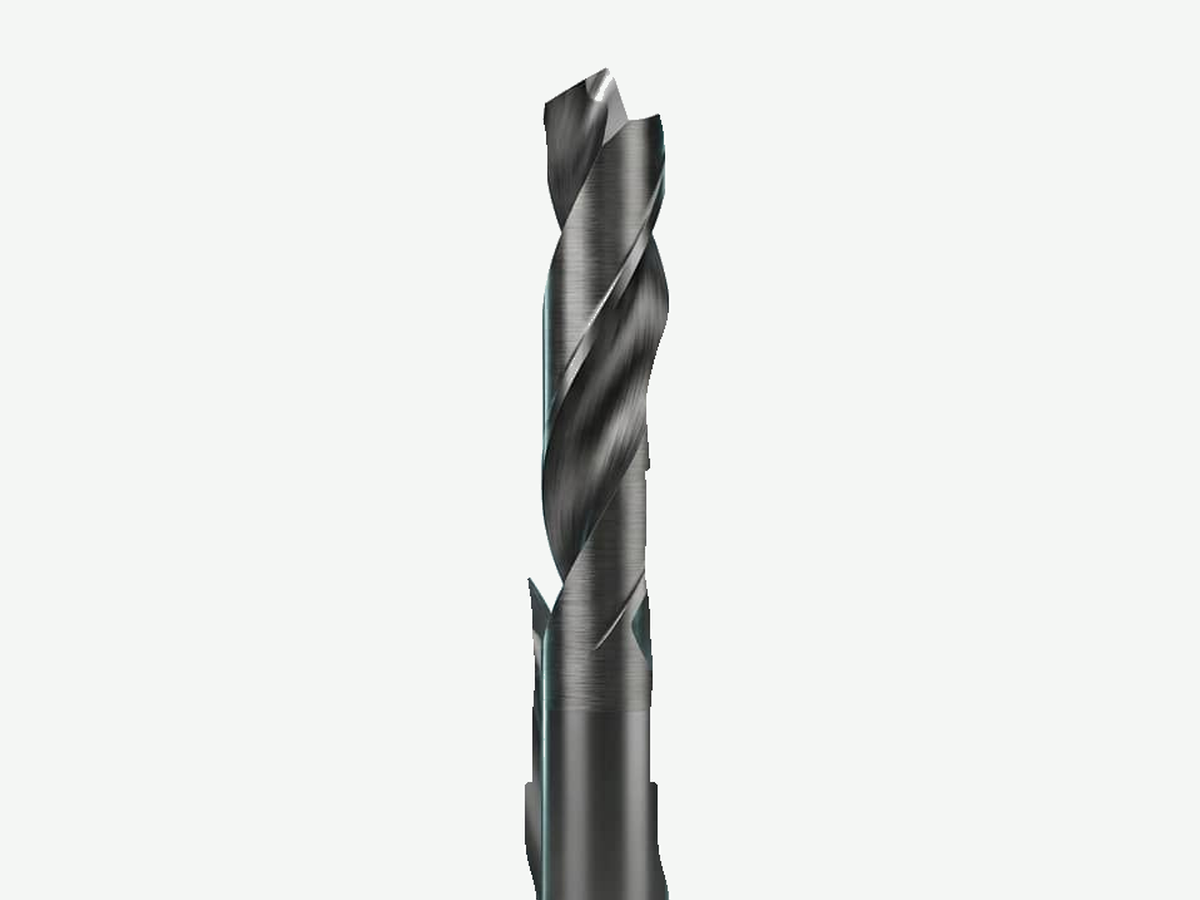
When center-drill number, body and tip fields, included angle, or support versus spot role are still open, send the drawing notes through a custom review. HENTRY can help close chart and process fields before you lock a series.