
The drill still makes size on the gage, yet the outer corner looks shiny and the hole exit is starting to tear. Flank land looks even on one lip and stepped on the other. Margin polish has climbed farther up the body than last shift, and nobody wrote down coolant pressure or how many holes the tool already cut.
Solid carbide drill wear shows up in repeatable places: outer corner, flank, margin, chisel edge, and as edge chipping or built-up edge. Record the hole, material, coolant, and tool data first, then match the wear location to likely causes and the first check. Use that read to decide whether to keep running, regrind, or stop. Capture clear photos if you need an engineering review.
HENTRY publishes this page as a wear-identification hub for solid carbide drills. It stops at recognizing patterns and deciding the next shop action. Breakage trees and full failure diagnosis live on sister pages. Use the map and tables here, then follow each hard link once when you need depth.
Read in order when the tool is still on the bench: record the process state, name the wear location, run the first checks, then choose keep running, regrind, or stop. Jump to the photo checklist when you need a remote engineering review. Milling wear notes stay out of scope except as a reminder that interrupted cuts can chip a drill lip the same way a cross-hole can.
What to Record Before You Inspect the Drill
Wear photos without process context lead to guesswork. Write the job state down before you wipe the flute or put the tool under a scope. The goal is a record another engineer can trust tomorrow.
| Record field | Minimum useful detail | Why it matters for wear reads |
|---|---|---|
| Material grade and condition | Exact grade; annealed, tempered, aged, hardened, or as noted on the print | Same family name can wear a corner or build edge very differently by temper |
| Hole diameter and depth | Programmed diameter; depth; through or blind; any pilot or cross-hole note | Sets expected chip path, engagement, and where margin rubs |
| Coolant route and condition | Flood or through-coolant; nominal pressure if known; mix or oil mist notes | Heat and adhesion often track coolant delivery more than catalog speed |
| Spindle speed and feed | Programmed S and F; peck or continuous; any mid-run change | Separates overload wear from gradual abrasive wear |
| Holes completed | Count since new or last regrind; any tool change mid-lot | Gives a time base without inventing a life claim |
| Holder, stick-out, runout | Holder type; approximate overhang; runout check if measured | Uneven lip wear and early corner failure often start here |
| Current hole problem | Size, finish, burr, noise, torque alarm, chip shape, or no hole complaint yet | Ties wear location to the scrap or alarm you are trying to stop |
| Tool identity | Diameter, point style, coolant holes, coating if marked, regrind count if known | Keeps geometry and coating context with the photo set |
Mark unknowns clearly. A blank field is better than a guessed pressure or an invented hole count. Keep the worn drill bagged with the record so lips are not mixed with a sister tool from the same tray.
If the lot used more than one regrind level, label which body you photographed. A first-regrind lip and a third-regrind lip are not the same evidence set. When the machine logged torque or load, note the hole number where the alarm or trend started. That single index often separates gradual flank wear from a sudden chip-jam event.
Outer-Corner Wear
The outer corner is where the cutting lip meets the margin at the largest cutting diameter. It sees the highest cutting speed on the edge and often shows the first bright land or rounding on a finishing drill.
Shop look: a shiny or flattened patch at the corner, sometimes with a small radius where a sharp corner used to be. One lip may round before the other if runout or uneven chip load is present. Exit burrs, torn fiber in composites, or a hole that trends large can appear while the rest of the flank still looks usable.
Common drivers include abrasive stock, scale or interrupted entry, weak corner preparation for the material, insufficient coolant at the periphery, and stick-out that lets the corner hammer. Treat outer-corner wear as a location diagnosis first. Do not jump to a breakage tree until the corner read and the process record are written down.
Compare the corner to the rest of the lip before you call the tool finished. A rounded corner with still-narrow flank land points to peripheral speed, coolant, or entry impact. A rounded corner that sits on top of a wide flank land is late-stage abrasive wear and belongs in your change-out rule, not in a mystery failure folder.
Flank Wear
Flank wear is progressive loss on the relief face behind the cutting edge. On a drill lip it often appears as a land of even width marching back from the edge toward the flute face.
Shop look: a gray or bright band of fairly uniform width along the lip. Uniform flank wear on both lips is the classic abrasive or time-at-cut pattern. A stepped or one-sided band points to runout, uneven lip height after grind, or uneven chip load. Rapid widening after a parameter change is a warning even when the hole still gages.
Principles only: some flank land is expected on a used carbide drill. Accelerating width, heat tint next to the land, or flank wear that reaches the margin junction faster on one lip than the other means stop and check before you chase size with feed alone. HENTRY does not publish a universal flank-width limit in millimeters or a life percentage for every grade. Set change-out rules from your own first-article trials and regrind capability.
Photograph both lips at the same magnification when you document flank wear. Side light shows land width better than a flash pointed straight at the carbide. If one land is twice the other, fix runout or grind symmetry before you blame the coating or the material lot.
Margin Wear
The margin is the narrow cylindrical land that guides the drill in the hole. Margin wear or heavy polish changes guidance and can move hole size, roundness, and finish even when the lips still look sharp.
Shop look: bright rubbing bands along the margin, local scoring, or a worn strip that climbs higher on the body than the programmed depth would suggest from chip marks alone. Blue or straw tint on the margin after dry or starved coolant cuts is a heat clue. A hole that grows, tapers, or shows spiral marks often pairs with margin damage.
Drivers include rubbing from underspeed or excess feed, poor chip evacuation that packs against the margin, insufficient back taper or relief for the depth, work-hardened walls, and runout that loads one margin harder. Margin wear is a guidance and friction problem. Fix chip path and coolant before you only sharpen the lips and return the same body rub to the hole.
Check hole size trend across the same tool, not only the last piece. A slow drift over many holes fits abrasive margin polish. A step change after a coolant interruption or a peck change fits packing or heat. Write that pattern on the record card so the next shift does not treat every oversized hole as a point-grind problem.
Chisel-Edge Wear
The chisel edge is the center web region that indents and starts the hole. Wear or rounding here raises thrust, hurts centering, and can walk the entry before the lips ever look bad under a loupe.
Shop look: a flattened or blunted chisel, asymmetric chisel wear, or a bright rub where the web used to present a clearer ridge. High thrust, slow penetration at the same feed, entry walk, and oversized or bell-mouthed starts are common companions. On a split-point or thinned-web drill, check that the grind features are still present rather than smeared flat.
Drivers include excessive web thickness for the material, worn or incorrect point grind, hard skin or angled entry, low speed with high feed at start, and poor centering from bushing or holder runout. Chisel-edge wear is an axial-force and centering story. Pair the photo with thrust or load notes from the machine when you can.
If entry walk appears with a still-sharp outer corner, prioritize the chisel and the start conditions. Pilots that are misaligned, oversized, or work-hardened can blunt the center while the periphery still looks fresh. Note pilot diameter and whether the drill re-centers in free air or inside a bushing.
Edge Chipping and Micro-Chipping
Chipping is local fracture of the cutting edge. It is not the same as a smooth flank land. Micro-chipping shows as a saw-tooth or sparkle line along the edge; larger chips leave notches you can see without high magnification.
Shop look: bright fracture facets, missing corner tips, notches along the lip, or a ragged edge that still has unworn flank behind it. Chipping often appears suddenly after interruption, entry impact, or a chip jam. Uniform flank wear grows; chipping jumps.
Drivers include brittle edge preparation for the stock, interrupted cuts, cross-holes, scale, dwell, excessive feed at engagement, vibration from stick-out, and thermal shock when a hot edge meets coolant unevenly.
Separate micro-chipping from a single large notch. A sparkle line along the whole lip often means vibration or an edge that is too keen for the stock. A single corner bite after a cross-hole or scale patch is an impact event. Record which holes in the cycle hit the interrupt so the photo set matches the feature that struck the edge.
When chipping and breakage symptoms stack, use the sister page on why solid carbide drills break for stage-by-stage symptoms after you finish the wear-location record here. For cause trees beyond identification, see solid carbide drill breakage causes.
Built-Up Edge and Material Adhesion
Built-up edge (BUE) is workpiece material welded or smeared onto the cutting edge. It changes the effective rake, can break away and take carbide with it, and often leaves a torn or smeared hole wall.
Shop look: shiny or dull lumps on the rake or lip, false edge profile under a scope, and finish that alternates between good and smeared as the lump grows and sheds. Soft steels, gummy stainless, aluminum, and copper alloys are frequent hosts when speed, coating, or coolant miss the material.
First checks: coolant delivery and mix, speed and feed for the grade, coating suitability, and whether chips are packing in the flute. Adhesion and packing often travel together. Walk the packing checklist on carbide drill chip packing when flutes show compacted chips with BUE. For coating family context against wear and adhesion, use drill bit coatings explained. Do not treat coating choice as a substitute for a clear wear-location photo and process record.
Photograph BUE before aggressive cleaning. Once you scrub the rake clean, the adhesion evidence is gone and only the damage underneath remains. If the lump already tore carbide away, shoot both the remaining crater and any fragment still stuck in the flute.
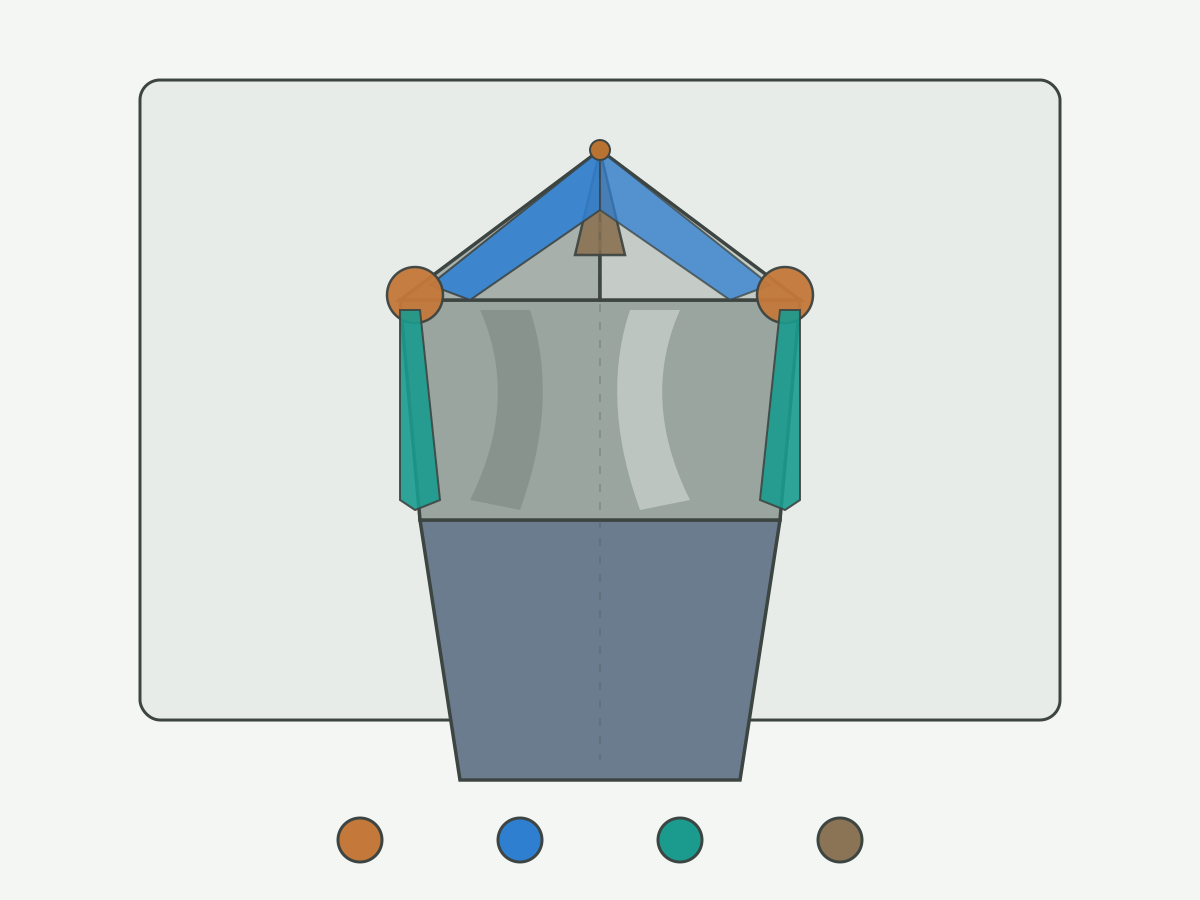
Wear Location → Likely Causes → First Checks
Use this table as the OWN decision core for the page. Match what you see to the first check. It is a shop triage map. It is not a promise of tool life, scrap rate, or a copy of any competitor wear chart. For cross-tool life reading, regrind economics, crib inventory states and supplier selection on cost per accepted part, see tool life and tooling economics.
| Wear location | Likely causes (start here) | First checks |
|---|---|---|
| Outer corner | Abrasive stock; scale or interrupt at entry; weak corner prep; peripheral heat; runout loading one corner | Compare both corners; entry condition; runout; coolant at exit; stick-out |
| Flank (uniform) | Normal abrasive progress; long time in cut; abrasive inclusions | Land width both lips; hole count since grind; material condition |
| Flank (one-sided / stepped) | Runout; uneven lip grind; uneven chip load | Lip height; holder grip; spindle/tool runout; chip form both flutes |
| Margin | Rubbing; packed chips; starved coolant; excess engagement; work-hardened wall | Chip packing; coolant route; hole size trend; margin polish height vs depth |
| Chisel edge | Thick web for stock; dull or wrong point; hard skin; high feed at start; poor centering | Thrust/load feel; entry walk; point grind features; bushing/fixture |
| Edge chipping / micro-chip | Impact; interrupt; dwell; excess feed at engage; vibration; thermal shock | Entry and cross features; peck/dwell; stick-out; edge prep vs material |
| Built-up edge / adhesion | Gummy material; wrong speed window; coating mismatch; poor coolant; packing | Chip shape; coolant mix/delivery; coating ID; flute packing |
If two locations appear together, record both and fix the shared process cause first. Example: margin rub plus BUE often shares a packing or coolant root. Regrind alone rarely clears a setup problem that created the wear.
Use one primary location for the first check queue so the shift does not scatter across five theories. Secondary wear can wait one loop. After the first check clears or confirms a cause, re-open the table for the second location. That discipline keeps RFQ notes and internal scrap reviews readable.
When to Keep Running, Regrind, or Stop
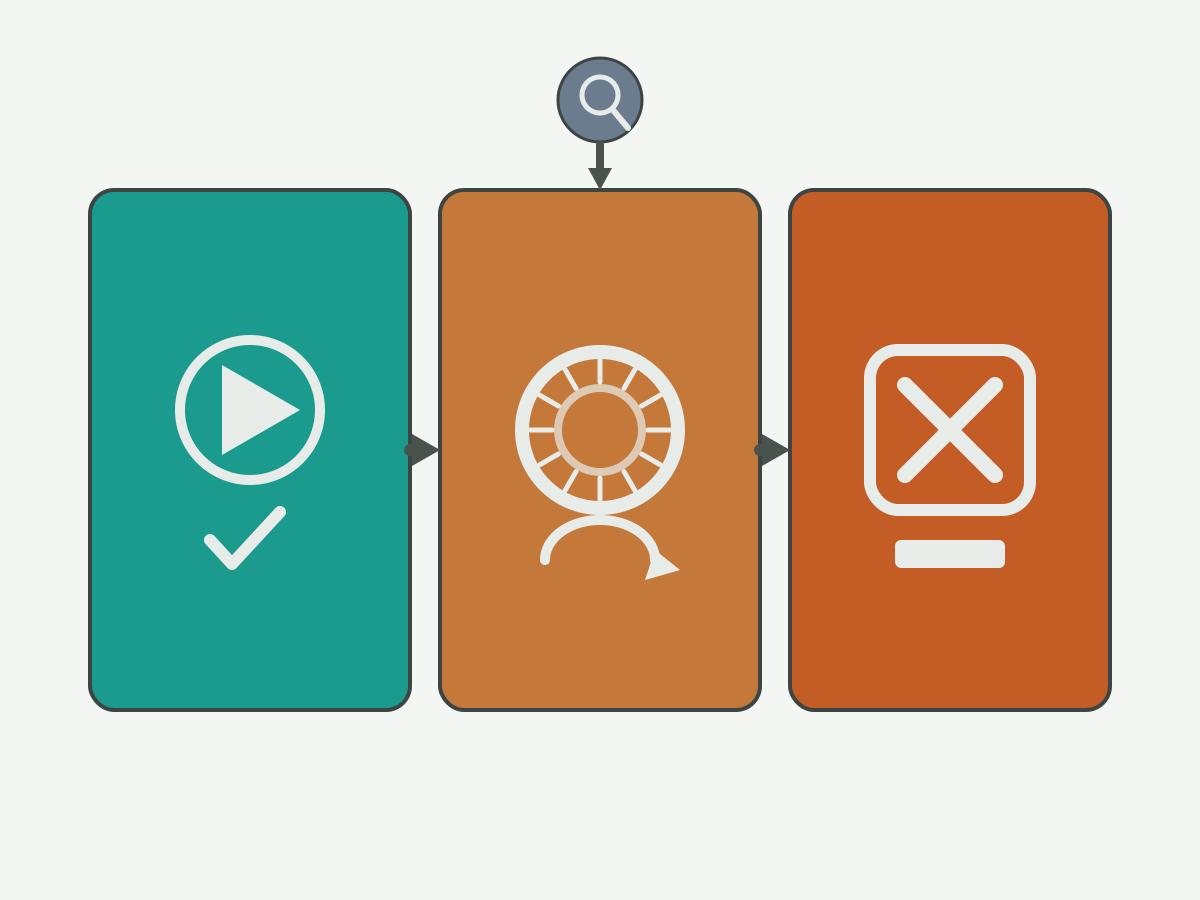
Decide from wear type, hole quality trend, and whether the cause is still active. Principles below. No invented hour counts, hole-count guarantees, or percentage-of-life rules.
| Decision | When it fits | What to do next |
|---|---|---|
| Keep running | Uniform light flank land; both lips similar; size and finish still inside print; no chipping; process record stable | Keep hole count and a mid-lot photo; do not raise feed to "use up" the edge |
| Regrind / replace edge | Flank or corner wear past your internal change-out rule; chisel blunt with rising thrust; coating gone on the lip but body and margins still sound | Send to a qualified carbide regrind with point and margin limits defined; update the tool record |
| Stop the process | Active chipping; cracked margin; severe BUE shedding carbide; sudden size or finish escape; torque alarms; suspected breakage path | Quarantine the tool; fix process cause before the next edge; do not chase with RPM only |
Keep running is never a plan to ignore a rising defect rate. Regrind is not a fix for runout, packing, or wrong coolant. Stop means stop the holemaking cycle that is creating scrap or risking a snapped drill in the part. After a stop, reopen the location table and the process checklist before you order another blank.
Write the decision on the same card as the hole count and the photo set. A tool that returns from regrind into an unchanged packing problem will recreate the same margin or BUE pattern and waste the grind. If you keep running, schedule the next inspection hole number in advance so the next shift does not rely on memory.
How to Photograph Wear for an Engineering Review
Engineers need repeatable views, scale, and context. Phone snapshots of a shiny flute in mixed light rarely decide anything. Use the checklist below so HENTRY or your plant engineer can read the same wear you saw at the machine.
| Shot | How to capture | Pass rule |
|---|---|---|
| Both lips, plan view | Drill point facing camera; both lips in focus; same zoom | Lip height and corner condition comparable left vs right |
| Each lip flank close-up | Relief face lit from the side; show land width | Flank land edges visible; not blown out by flash glare |
| Outer corners | One frame per corner at the lip-margin junction | Corner radius or chip notch readable |
| Margins | Rotate body; show polish or score along the land | Wear height vs a ruler or known shank feature |
| Chisel / web | Point-on view plus a slight tilt to show web ridge | Chisel line or split-point features visible |
| Rake / BUE | Flute face near the edge if adhesion is suspected | Built-up lumps vs clean carbide distinguishable |
| Scale reference | Include a ruler, coin edge, or marked paper in at least one frame | Approximate size recoverable without guessing |
| Context card | Same frame or adjacent photo of the filled record fields | Material, hole, S/F, coolant, hole count readable |
Wipe loose chips without scrubbing off BUE you need to show. Avoid heavy oil glare; a light blot is enough. Do not claim a schematic diagram from this page is a substitute for these photos. Name files with tool ID, lip side, and view so a reviewer can sort them without opening every frame. When you send a review package with the print and the worn tool data, HENTRY can align geometry and coating choices for a replacement solid carbide drill without guessing which lip failed.
If only one good photo is possible on the line, prioritize a both-lips plan view with a scale and the context card. Add flank and margin close-ups as soon as the tool reaches a bench with better light. A single glare-blown image of one corner rarely supports a geometry change.
Drill Wear Types FAQ
What are the main solid carbide drill wear types?
The main locations are outer-corner wear, flank wear, margin wear, and chisel-edge wear. Edge chipping or micro-chipping and built-up edge or material adhesion are common related patterns. Identify the location first, then match causes and first checks before you change speed or order a new tool.
How is flank wear different from edge chipping?
Flank wear is a progressive land on the relief face behind the edge. Chipping is local fracture of the edge itself, often with bright facets or notches. Flank wear usually grows with time in cut. Chipping often appears suddenly after impact, interruption, or vibration.
When should I regrind a worn carbide drill?
Regrind when flank or corner wear is past your internal change-out rule, or when the chisel is blunt and thrust is rising, while the body and margins remain sound enough to hold size after grind. Do not regrind as a substitute for fixing runout, chip packing, or coolant faults that created the wear.
What process data should I record before inspecting drill wear?
Record material grade and condition, hole diameter and depth, coolant route, speed and feed, holes completed, holder and runout notes, the current hole problem, and tool identity including coating and regrind count if known. Mark unknowns instead of guessing values.
How do I photograph drill wear for an engineering review?
Capture both lips in plan view, each flank close-up, both outer corners, margins, chisel or web, and rake if built-up edge is suspected. Add a scale reference and a context card with material, hole, parameters, coolant, and hole count. Keep lighting side-lit so land edges stay visible.
Does built-up edge mean I need a different coating?
Built-up edge can relate to coating, speed window, coolant, and chip packing. Check adhesion on the edge, chip form, and coolant delivery before you change coating alone. Coating is one lever among several, and it should follow a clear wear-location record rather than replace it.
Send Wear Photos and Process Data
Attach the wear photo set, the process record, and the hole print. HENTRY reviews solid carbide drill geometry and coating choices against the wear location you identified, then quotes to the drawing.